
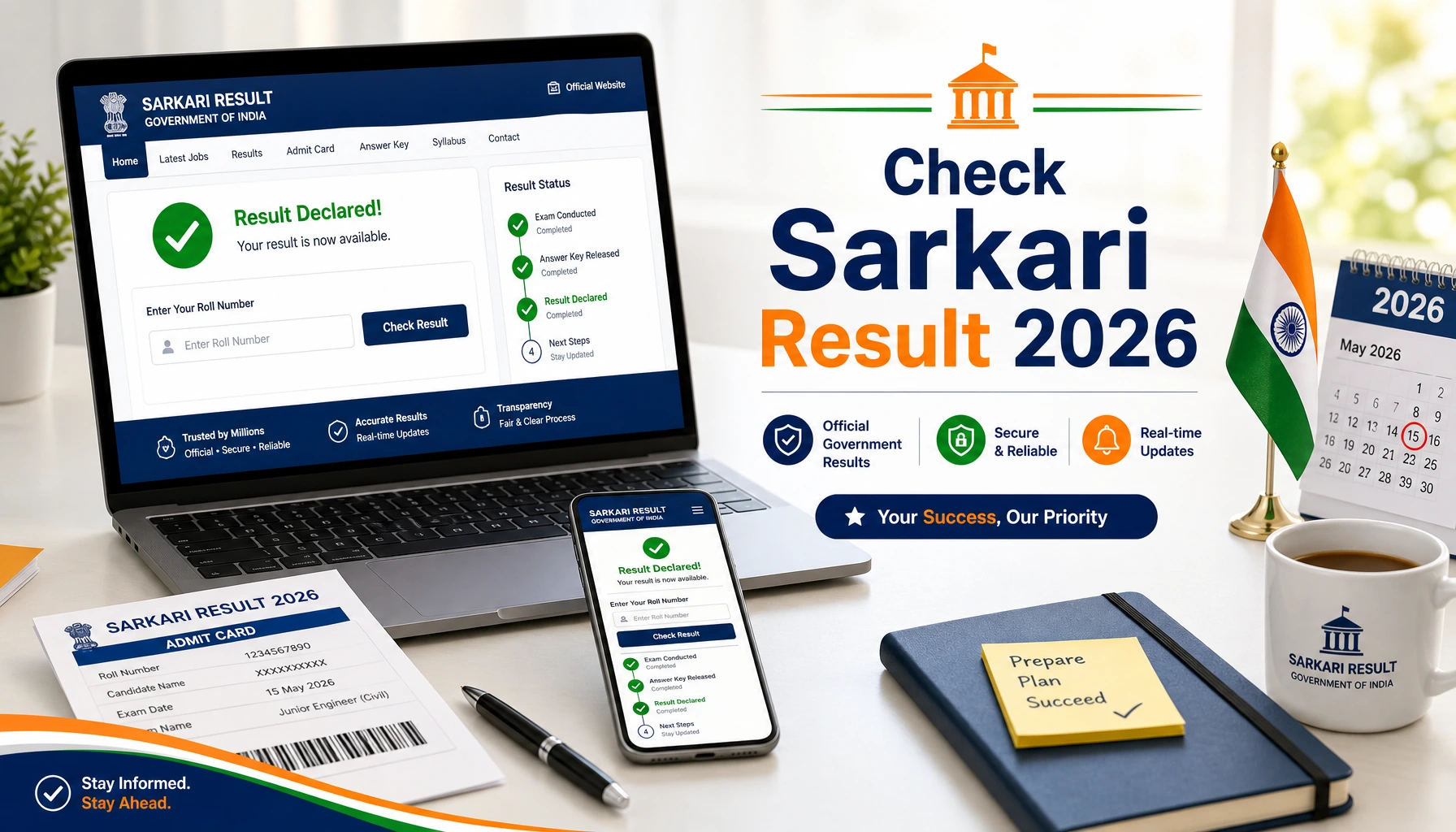
Every year, crores of aspirants across India appear for government recruitment exams — SSC, IBPS, SBI, RRB, UPSC, state PSCs and dozens of others. The written exam is only half the battle; the other half is the anxious wait for the result. In 2026, almost every Sarkari result is declared online first, and knowing exactly where to look and what to keep ready can save you hours of frustration, especially when official websites slow down under heavy traffic on result day.APSPDCL AEE
This guide walks you through the exact process of checking your Sarkari result online in 2026, exam by exam, along with the documents you need, the common errors aspirants face, and how to stay safe from fake result websites.
What You Need Before Checking Any Sarkari Result
Keep the following details ready before you open any result link. Almost every recruitment board asks for a combination of these:
- Registration number / Roll number — printed on your admit card. Never discard your admit card until the entire recruitment cycle (including document verification) is over.
- Date of birth or password — most login-based portals (IBPS, SBI, RRB) use your DOB in DD/MM/YYYY format as the default password.
- A stable internet connection and an updated browser — result PDFs and scorecard portals sometimes fail to load on outdated browsers.
- A PDF reader — many boards, especially SSC and state PSCs, release results as a merit-list PDF containing thousands of roll numbers.
Pro tip: Save a scanned copy of your admit card in Google Drive or your email the day you download it. On result day, aspirants frequently misplace admit cards and lose access to their roll numbers.
General Step-by-Step Process to Check Any Sarkari Result
While each board has its own portal, the overall process in 2026 follows the same pattern:
- Visit the official website only. Type the URL directly or use a trusted exam-prep portal that links to the official page.
- Find the “Result” or “Latest News” section. Most government sites list new results on the homepage under a flashing “New” tag or a dedicated Results tab.
- Click the link matching your exam name, year and tier/stage. Be careful — boards often declare results for multiple exams on the same day.
- Enter your credentials or open the PDF. Login-based portals show an individual scorecard; PDF-based results require you to search (Ctrl+F on desktop) for your roll number.
- Download and save the result/scorecard. Take a printout as well — you will need it for the next stage and document verification.
- Check the cut-off marks. Boards usually release category-wise cut-offs along with or shortly after the result.
Now let us look at the exact process for each major exam.
How to Check SSC Result 2026 (CGL, CHSL, MTS, GD Constable)
The Staff Selection Commission declares all results on its official website, ssc.gov.in.
- Go to ssc.gov.in and click on the Result tab in the top menu.
- Select the relevant section — CGL, CHSL, MTS, JE, GD, etc.
- Click the result link for your exam and tier (for example, “CGL 2026 Tier-I Result”).
- A PDF merit list opens containing the roll numbers of qualified candidates.
- Press Ctrl+F (or use the search option in your phone’s PDF viewer) and type your roll number.
- SSC also releases marks and final answer keys separately — log in with your registration number and password on the candidate portal to view your individual scorecard.
Note: SSC results are region-neutral for most exams, but always verify you are reading the correct tier and year, as multiple PDFs are often uploaded together.lic hfl recruitment
How to Check IBPS Result 2026 (PO, Clerk, SO, RRB)
IBPS results are individual login-based, declared on ibps.in.
- Visit ibps.in and open the CRP PO/MT, CRP Clerical or relevant recruitment section.
- Click on the result/scorecard link for your exam stage (Prelims or Mains).
- Enter your Registration Number and Password/Date of Birth, plus the captcha.
- Your status (Qualified / Not Qualified) appears immediately; the detailed scorecard with sectional marks is usually released a few days after the result status.
- Download both the result page and the scorecard PDF.
IBPS scorecard links remain active only for a limited window, so download your scorecard as soon as it is released.
How to Check SBI Result 2026 (PO, Clerk/Junior Associate)
SBI publishes results in the Careers section of sbi.co.in (bank.sbi/careers).
- Open the SBI Careers page and go to Announcements / Latest Announcements.
- Find your recruitment (e.g., “Recruitment of Probationary Officers 2026”).
- SBI typically releases a PDF list of qualified roll numbers for Prelims, and login-based scorecards after Mains.
- For scorecards, log in with your registration number and DOB.
How to Check RRB Result 2026 (NTPC, Group D, ALP, Technician)
Railway Recruitment Board results are declared region-wise on the respective RRB websites (RRB Chennai, RRB Secunderabad, RRB Mumbai, etc.), with application services centralised on rrbapply.gov.in.
- Identify the RRB region you applied under — it is mentioned on your admit card.
- Visit that regional RRB’s official website.
- Open the Results section and click the link for your CEN number (e.g., CEN 05/2025).
- Download the PDF and search for your roll number, or log in for your individual scorecard where provided.
Important: Results for the same exam may be released by different regions on slightly different dates. Do not panic if another region’s result is out and yours is not.
How to Check UPSC Result 2026 (Civil Services, CDS, NDA, EPFO)
UPSC declares all results on upsc.gov.in.
- Visit upsc.gov.in and open Examinations → Active Examinations / What’s New.
- Click on the Written Result / Final Result link for your exam.
- UPSC releases results as a PDF containing roll numbers (and names in final results).
- Marks of non-recommended candidates are released later on the UPSC website.
How to Check State Government Exam Results (APPSC, TSPSC, UPPSC and Others)
Each State Public Service Commission and state recruitment board has its own portal — for example, psc.ap.gov.in for APPSC and tspsc.gov.in for TSPSC. ssc result status The pattern is the same:
- Visit the official commission website.
- Open the Results section.
- Download the merit-list PDF or log in with your hall ticket number.
- Cross-check the notification number to ensure you are viewing the correct recruitment.
Common Problems on Result Day (And How to Fix Them)
- Website not loading: Official sites crash under heavy traffic in the first hour. Wait 30–60 minutes, or try during late-night hours. Avoid repeatedly refreshing, which worsens the load.
- “Invalid Roll Number” error: Re-check every digit against your admit card. Do not add spaces or extra zeros unless the format requires them.
- Forgot password: Use the “Forgot Password” option on the portal; the reset link goes to your registered email/mobile. Your default password is usually your DOB.
- Roll number not in the PDF: Search using only the numeric part, and try both with and without the region/centre prefix. Also confirm you opened the correct list — qualified lists and withheld-result lists are sometimes separate PDFs.
- Scorecard link expired: Contact the board’s helpdesk email mentioned in the notification. This is why downloading immediately matters.
How to Avoid Fake Sarkari Result Websites
Fraudulent websites mimicking government portals spike around major result dates. Protect yourself:
- Official Indian government websites end in .gov.in or .nic.in (banks like IBPS and SBI use their own established domains).
- Never pay money to “check” or “unlock” a result — government results are always free.
- Do not share your registration number and DOB on unofficial forms or Telegram bots.
- Cross-verify any result news with the official website before believing forwarded messages.
What to Do After the Result Is Declared
- Qualified? Download the result and scorecard, read the next-stage notice (Mains, Skill Test, PET/PST, Interview or Document Verification), and start preparing immediately — gaps between stages are shrinking.
- Not qualified? Check the cut-off analysis to see how close you were, review your sectional performance from the scorecard, and plan for the next cycle or parallel exams.
- Result withheld? Some roll numbers are withheld for verification. Follow the board’s instructions in the result notice and respond within the deadline.
Frequently Asked Questions
Q1. Are Sarkari results declared online or offline in 2026? All major recruitment boards — SSC, IBPS, SBI, RRB, UPSC and state PSCs — declare results online first on their official websites. Physical notice-board displays are now rare and secondary.
Q2. Can I check my Sarkari result without a roll number? For PDF-based results you need your roll number. If you have lost it, retrieve your admit card from the application portal using your registration details, or use the “Forgot Registration Number” option with your email/mobile.
Q3. Why does the official website show an error on result day? Heavy traffic in the first few hours after declaration often slows or crashes servers. Wait and retry after some time, or check during off-peak hours.
Q4. Is there any fee for checking a government exam result? No. Checking any Sarkari result is completely free. Any website or person demanding payment for a result is fraudulent.
Q5. How will I know when my result is out? Track the official website’s result section, and follow trusted exam-prep portals that update result links as soon as boards publish them. Some boards also send SMS/email alerts to registered candidates.

About the Author
Rajeswari Ramagiri
content writer with 2 years of experience specializing in government job notifications and results. He covers the latest updates across major recruitment sectors including SSC, UPSC, Banking (IBPS, SBI, RBI), Railways (RRB), State PSCs, and other central and state government departments. From exam notifications and admit cards to answer keys, cut-offs, and final results, he delivers accurate and timely information to help aspirants stay ahead in their preparation. With a clear and aspirant-friendly writing style, he simplifies complex recruitment details and guides candidates at every stage of their government job journey